You haven't signed in yet, you can have a better experience after signing in
*Please complete the payment within {{receiveCouponInfo.expire_at}}Previous use*
You haven't signed in yet, you can have a better experience after signing in



Activity Rules
1、Activity time:{{ info.groupon.start_at }} ~ {{ info.groupon.end_at }}。
1、Activity time:cease when sold out。
2、Validity period of the Group Buying:{{ info.groupon.expire_days * 24 }} hours。
3、Number of Group Buying:{{ info.groupon.need_count }}x。
Please Pay Attention
1、Teamwork process: Join/initiate a Group Buying and make a successful payment - Within the validity period, the number of team members meets the activity requirements - Group Buying succeeded!
2、If the number of participants cannot be met within the valid period, the group will fail, and the paid amount will be refunded in the original way.
3、The number of people required and the time of the event may vary among different products. Please pay attention to the rules of the event.
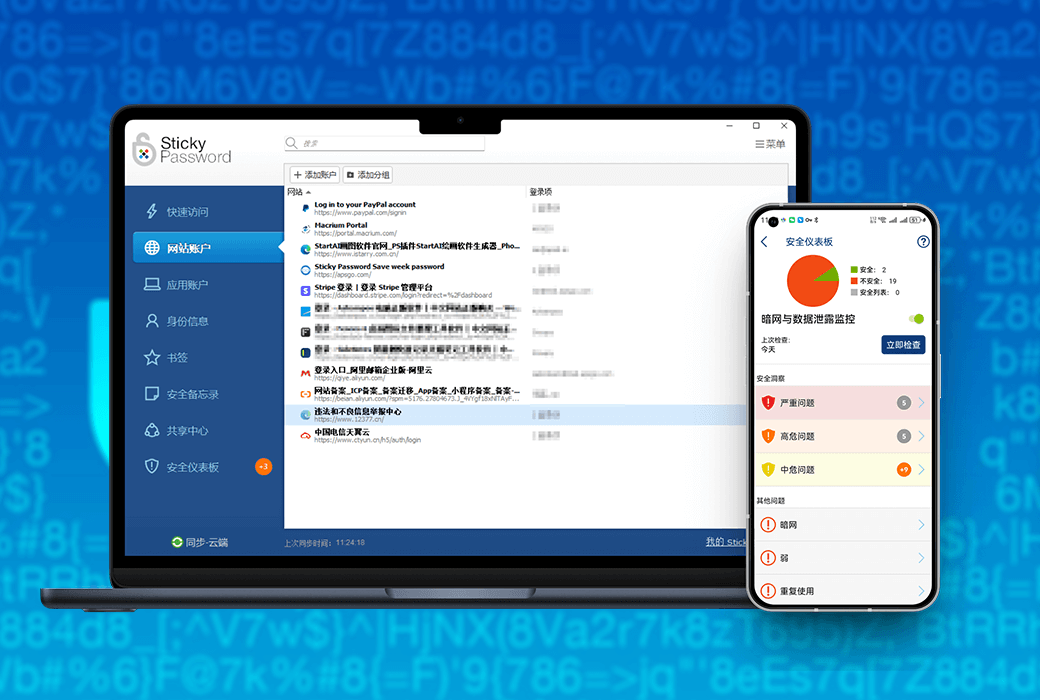
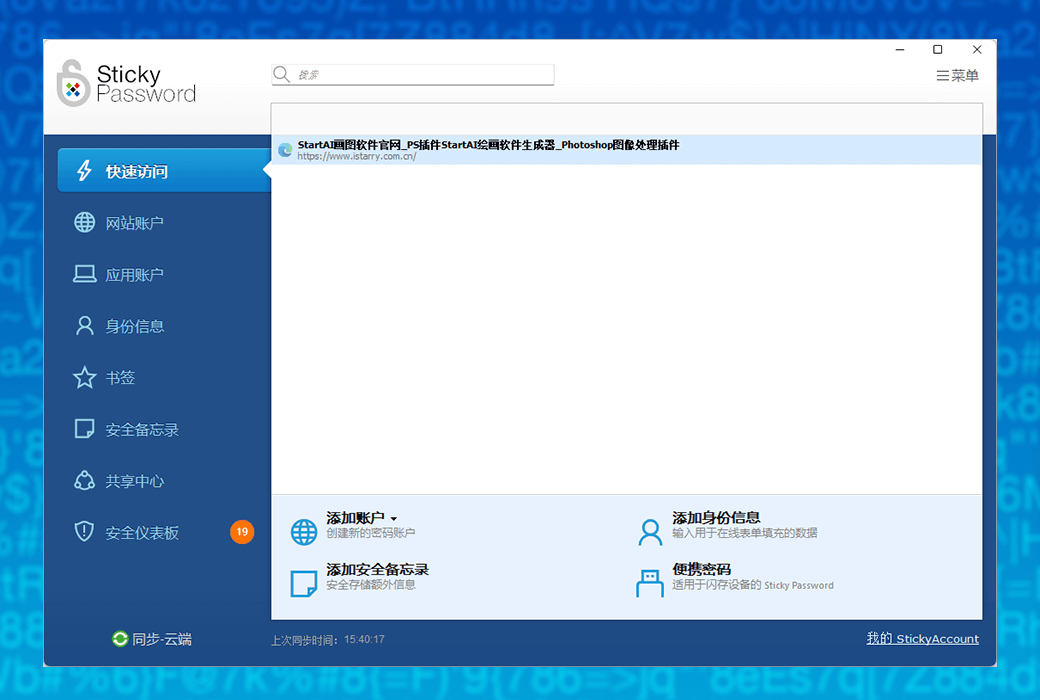
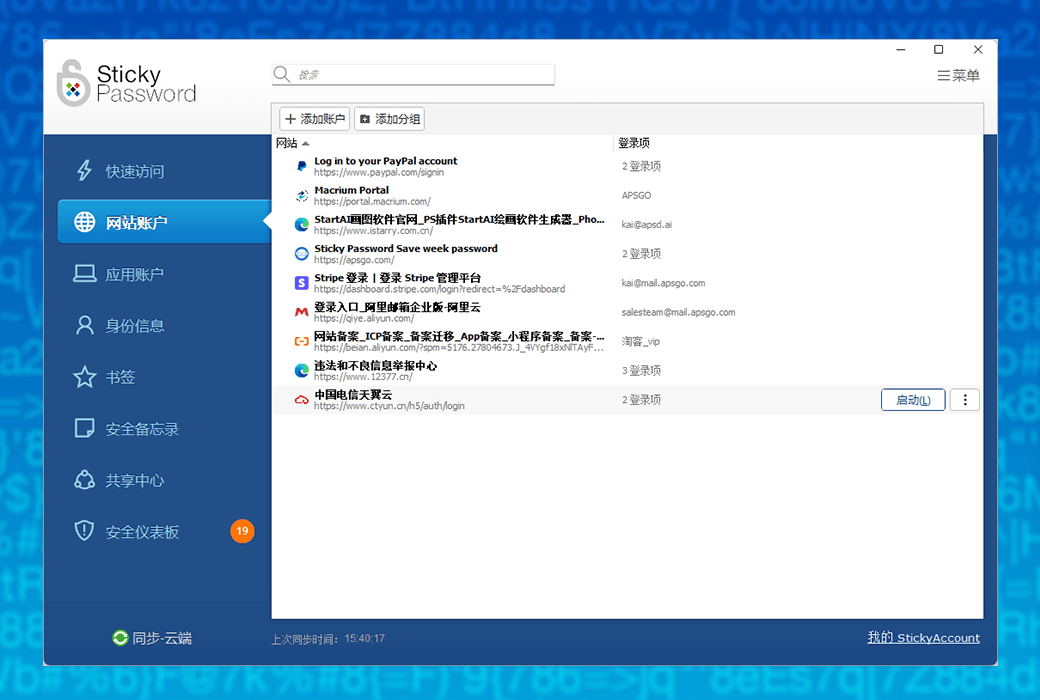
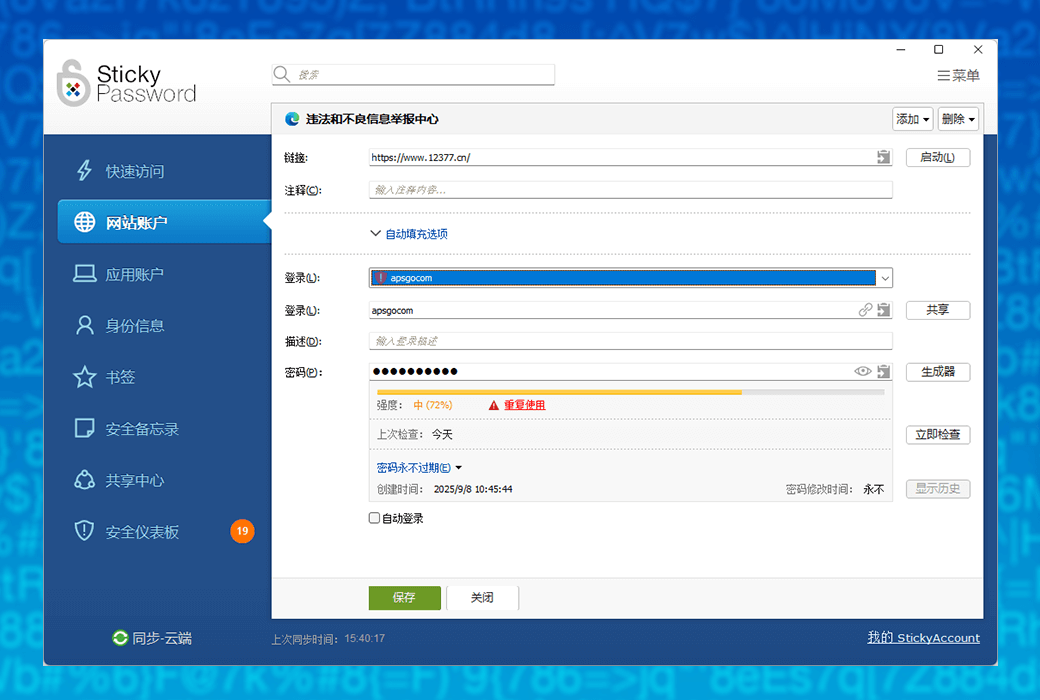
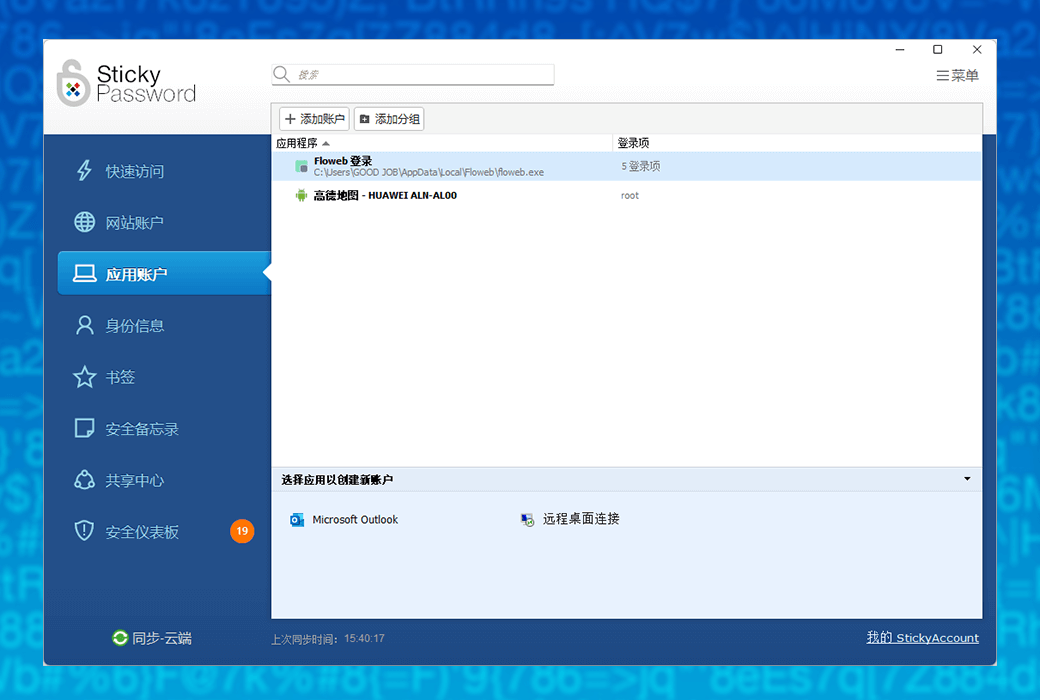
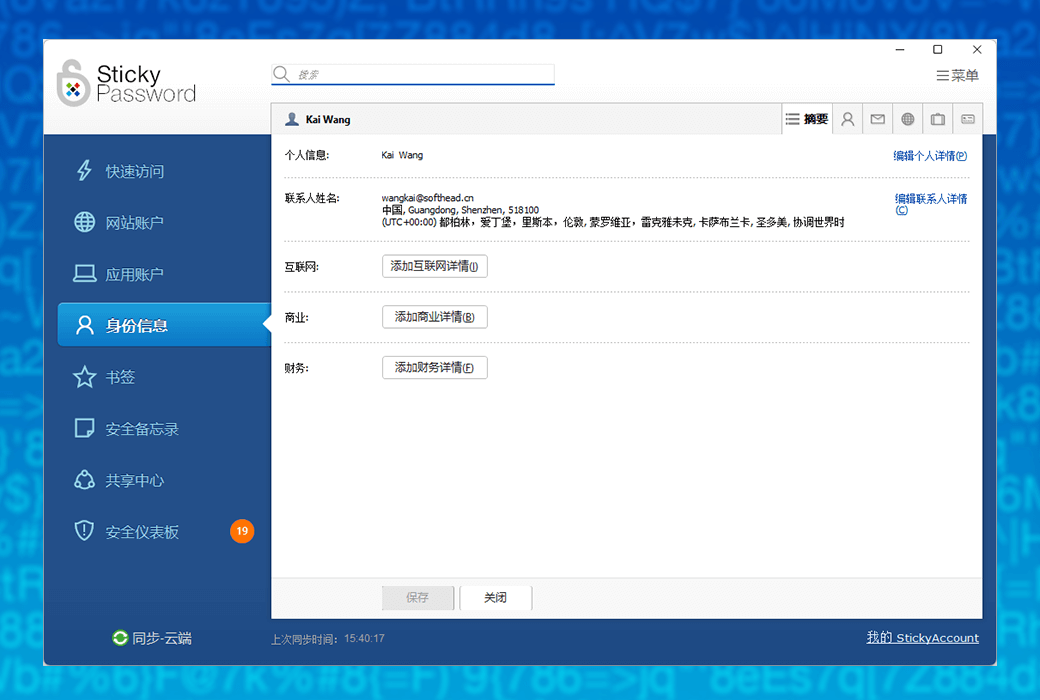
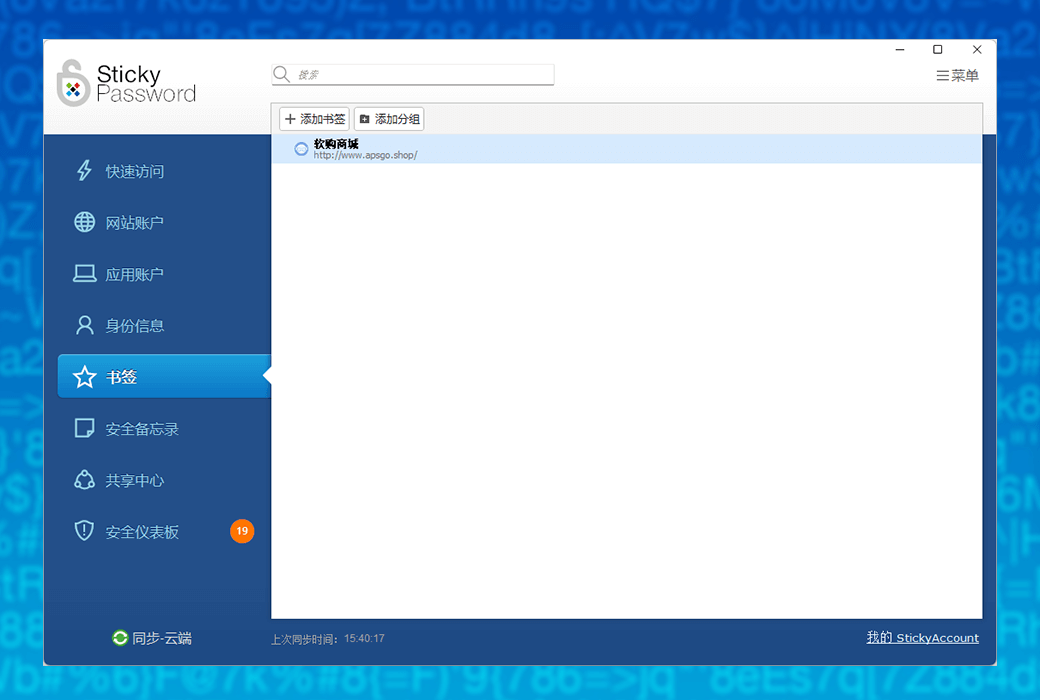
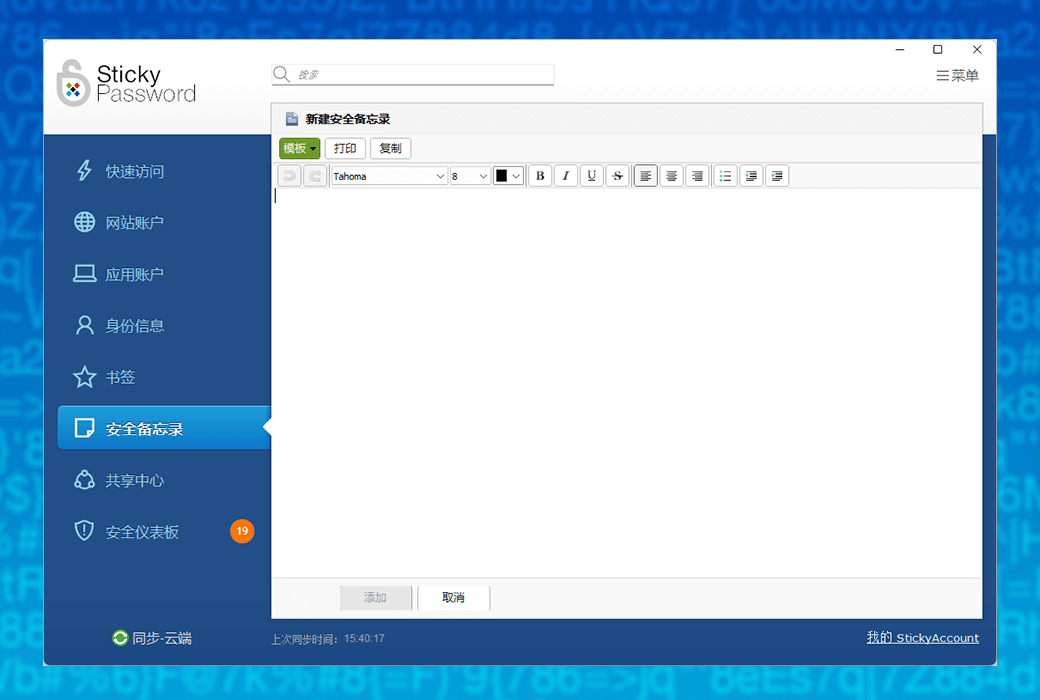
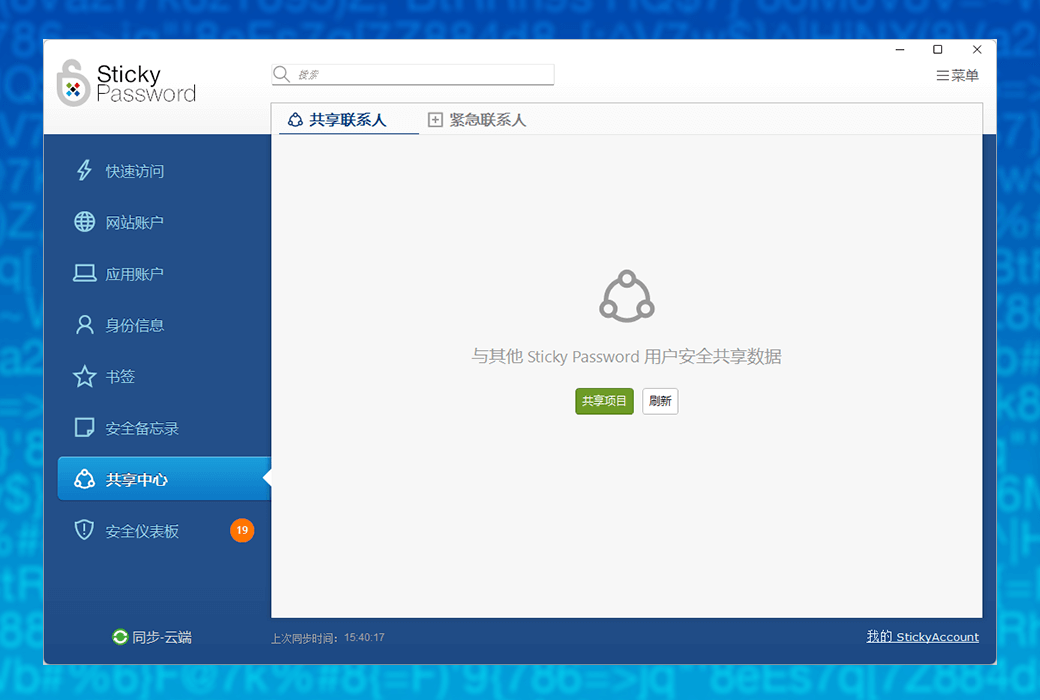
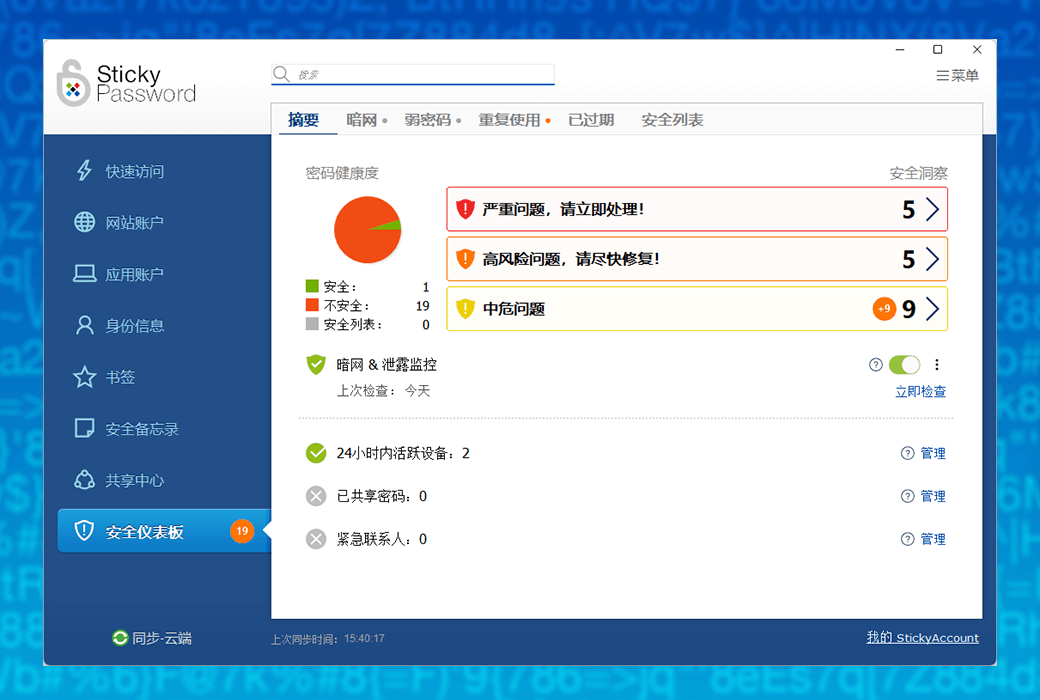
Sticky Password: Your digital life password guardian
In the digital age, managing numerous complex passwords has become a challenge. Sticky Password is an advanced password manager that provides you with a comprehensive solution to make your digital life more secure and convenient.
Main features:
User reviews:
Based on over 8200 real user reviews, Sticky Password has won high recognition from users for its ease of use, efficiency, and security. It is not only a password management tool, but also a powerful assistant for your digital life.
Sticky Password makes password management simple and makes network security within reach.
Official website:https://www.stickypassword.com/
Download Center:https://stickypassword.apsgo.cn
Delivery time:24-hour automatic shipping
Operating Platform:Windows、macOS、Android、iOS
Interface language:Supports Simplified Chinese interface display and other language options.
Update Description:Lifetime version manufacturers promise to purchase the software once for lifetime use and updates.
Trial before purchase:Free trial is available before purchase.
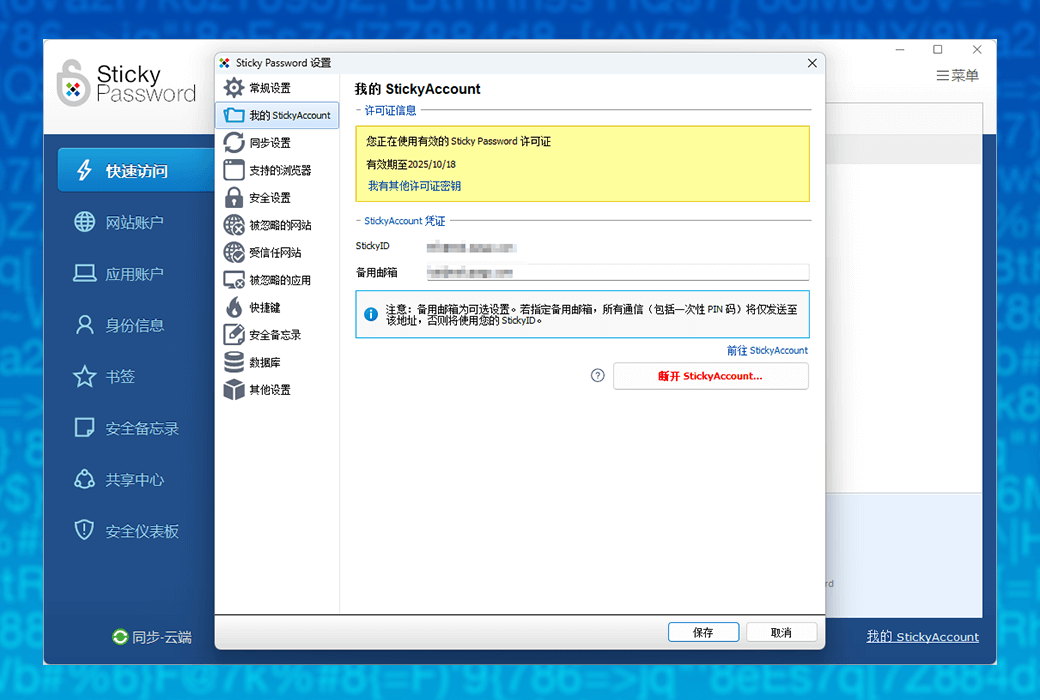
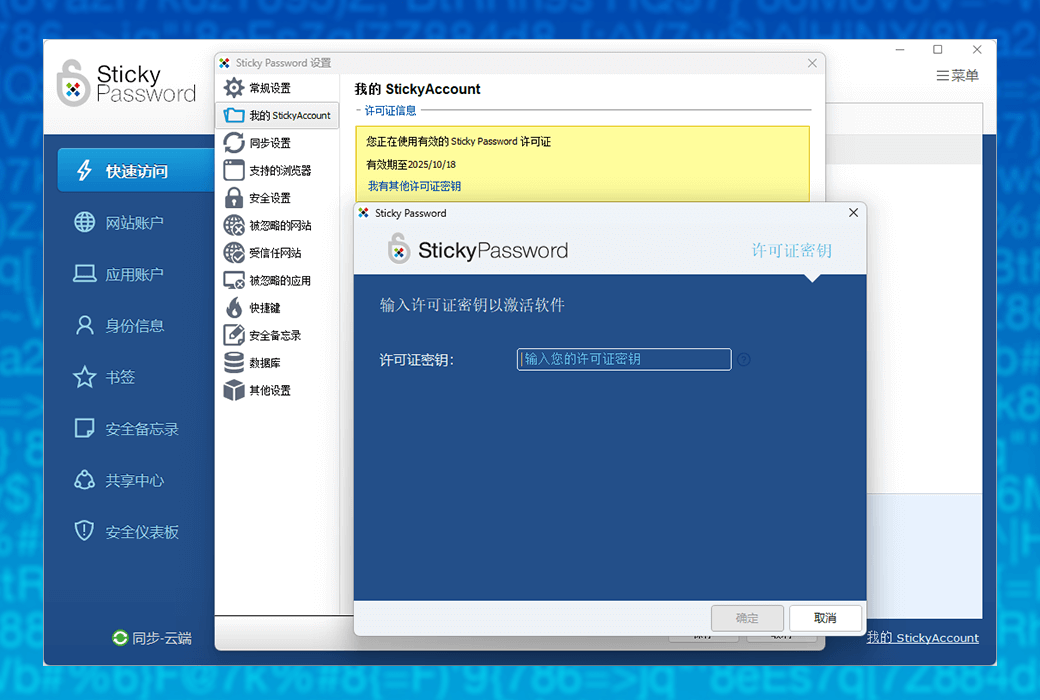
How to receive goods:After purchase, the activation information will be sent to the email address at the time of placing the order, and the corresponding product activation code can be viewed in the personal center, My Orders.
Number of devices:You can use Sticky Password on all your devices and synchronize data between different devices.
Replace computer:Uninstall the software on the original device and log in to the account on the new device.
Activation guidance:https://stickypassword.apsgo.com/#faq1736
Special note:Please make sure to remember that if you forget the 'master password', it cannot be retrieved. The lifetime license includes 1 year of ARC dark web monitoring service.
reference material:https://www.stickypassword.com/help/dark-web-monitoring-1140,https://www.stickypassword.com/help/what-is-a-stickyaccount-1008?action=faq1008&lng=en

Any question

You may have heard frequently in the field of technology recently“Passkeys - Passkeys”One word. Perhaps you have seen it on the login page, or someone has referred to it as the 'future of authentication'. But if you're still not quite sure what Passkeys are, how they work - and haven't used them yet - then you're definitely not alone.
Before delving deeper, let's start with a simple usage scenario to let you experience what it's like to use Passkeys.
A Quick Story: The Real Experience of Using Passkeys
Imagine that you have created an account on a website you like - let's say it's a shopping website. You just entered your email address, and the website did not ask you to create (and remember!) a new password, but instead asked:
Do you want to create a Passkey
You became curious and decided to give it a try.
Your device has popped up a small window:
Using fingerprint/facial recognition/PINContinue with the code
You touch the fingerprint sensor
Behind the scenes, a simple but clever thing happened: your browser, website, and password manager securely and silently reached a matching Passkeys protocol. The website has obtained a public key, while your password manager retains the private key - a secure part that will never be shared and remains in your hands.
Thus, the creation of Passkeys was completed. No need to create new passwords, no need to follow any rules, minimal hassle.
After a week, you will return to the same website again. No password is required, the website asks:
Do you want to log in with your Passkeys
Similarly, you use fingerprint or facial recognition.
Two seconds later - you have successfully logged in.
This is how Passkeys work in daily life - simple, fast, and secure. No need to type, no need to reset links, no need for "password error" prompts. Just need one quick confirmation on your device.
If you are already using a password manager, the experience of Passkeys will not be unfamiliar to you. It follows the basic concept that you are already familiar with: your password manager verifies your identity, and then it is responsible for logging in. Passkeys simply omit the part where you need to create or manage passwords.
What are Passkeys? Simple explanation
Passkeys are a new and more secure way of logging in - without the need to create or remember passwords. It is a password free login method that utilizes the built-in security features of your device, such as Touch ID, facial recognition, or Windows Hello, to allow you to log in.
It's not something you know (password), but something you own (your device) plus who you are (biometric) or what you've done (PIN code).
In a sense, your device becomes your key - and your password manager stores the secret part that proves your true identity.
You confirm through fingerprint or PIN code, and everything else is done securely in the background. No password required, no link reset required, no typing required.
Will passkeys replace passwords?
Short answer: No - at least not in the near future.
Although Passkeys is gaining momentum, almost all websites will continue to support passwords, and many websites have not yet added Passkeys access key functionality.
Some helpful reality checks:
That's why there is no competition between Passkeys and passwords. They will coexist for a long time. And that's completely fine.
If you haven't used Passkeys yet... it's okay
This is very important. If you haven't used Passkeys yet, you haven't been "behind" or done anything wrong. Most people are still learning what they are, and many websites do not support them yet.
It's completely possible to take it slow. As more and more websites add Passkeys, you can naturally adopt them one by one - while continuing to use your trusted password elsewhere.
Sticky Password will support both login methods, so you can use your password as usual and add Passkeys when you're ready, along with the Passkeys access key feature available on your favorite website.
You can move forward at your own pace, and we will always ensure safety.
Why Passkeys are Important for Security and Convenience
Many people want to know if Passkeys are secure, and the answer is yes. They aim to address some of the biggest security issues that passwords have struggled to handle for years:
Your password manager will automatically handle the security part - you just need to confirm your identity.
Passkeys are designed with encryption strength.
Even if an attacker copies a website, your Passkeys will not work there.
A quick confirmation on your device replaces all typing and password reset.
Passkeys support in Sticky Password: coming soon
We are pleased to share that we will add Passkeys support to your password manager.
This means that you can:
Of course, all of these will be protected by our validated security architecture.
in short
Passkeys are important advances in online security and convenience, but they are still new and not yet widely used. You don't need to rush. You don't need to replace all passwords. You don't need to relearn how to use the Internet.
You can simply start using Passkeys at the appropriate place, at your own pace, and Sticky Password will support you at every step.
Please stay tuned - more details are coming soon.